Run a study
A study is one round of judging. It takes the queries of one query set, samples a pool of candidates for each query, and assigns the queries to annotators. This section follows a study from creation to export, one page per step.
The workflow
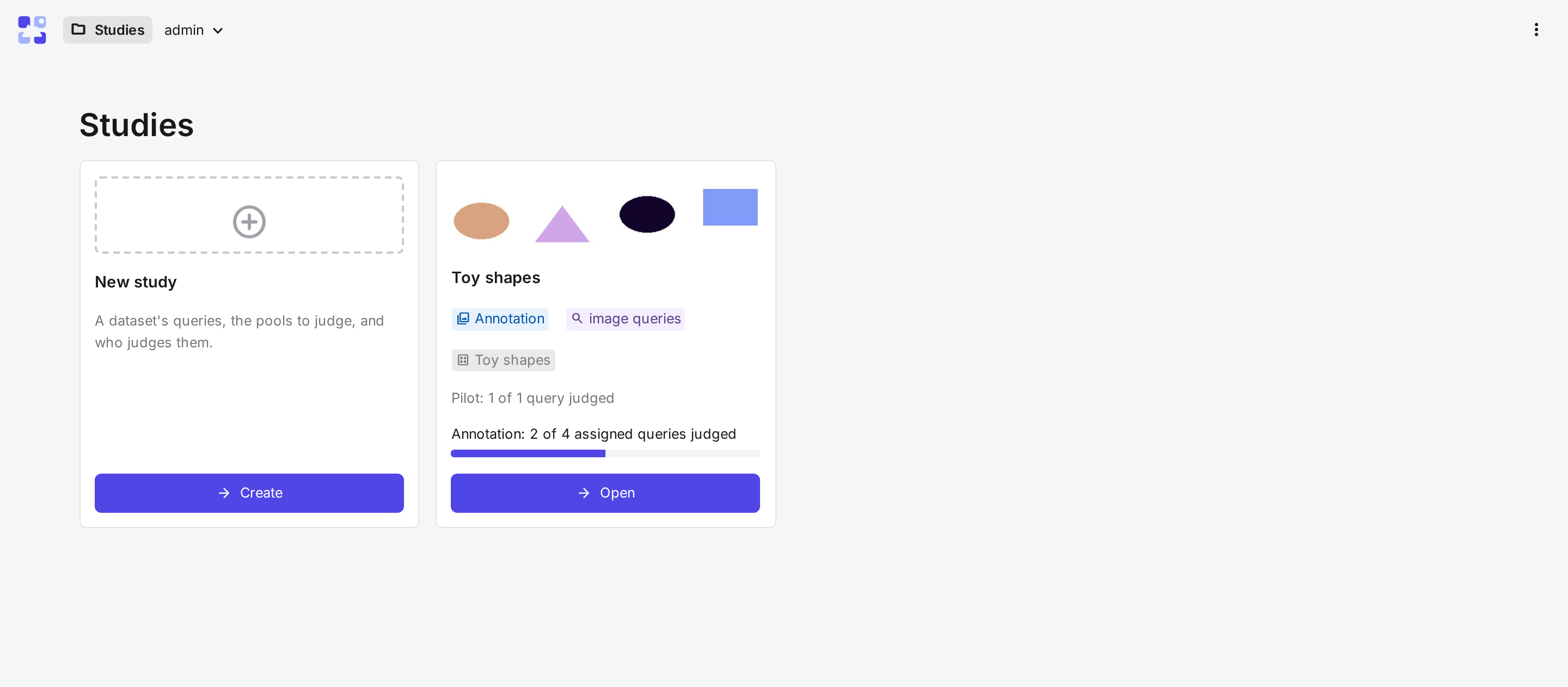
The Studies page shows one card per study. New study creates a study. Open on a card shows the study's tabs, which follow the order of the work. Steps 2 to 4 are optional but recommended.
| Step | Tab | What happens |
|---|---|---|
| 1 · New study | Choose the dataset, queries, candidate sampling, grouping encoder, labels and team. | |
| 2 · Guidelines | Guidelines | Write what counts as relevant, then add examples from the pilot. |
| 3 · Pilot | Pilot, Pilot results | Annotators judge a few queries image by image. CARA measures their speed and agreement. |
| 4 · Simulation | Simulation | Compare grouping settings by time and recall. |
| 5 · Annotation | Annotation, Progress | Fix the settings, assign the queries and follow progress. |
| 6 · Results and exports | Results | Check agreement, settle disagreements and export qrels. |
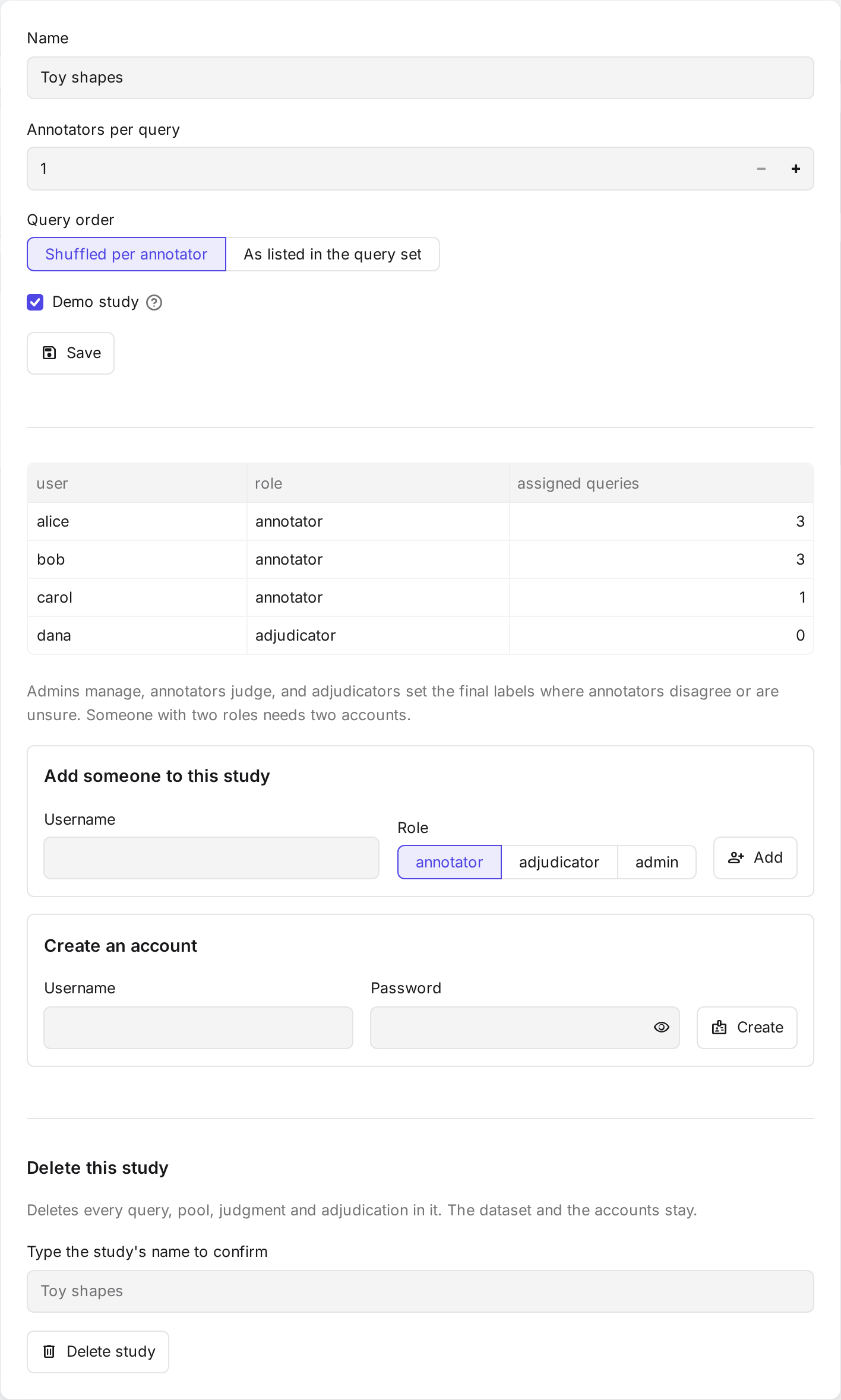
Study settings in the study's header changes its name and team.
From a dataset to pools
Before the tabs, a study needs its pools. Encoding is only needed for some choices:
- Add the dataset on the command line (Datasets).
-
Choose how to sample candidates in New study. This decides what must be there first:
Method Needs Given candidates Candidates listed with each query in the query file. Nearest neighbours One or more encoders' embeddings of the queries and the collection (Encoding). Random sample Only the collection. -
Choose the encoder that groups each pool in New study. It needs embeddings of the pool's images. With given candidates or a random sample, No encoder shows every image on its own instead.
- Create the study. CARA samples and groups every pool. Until the first annotation judgment, the Annotation tab can change the depths or redraw the sample, and regroup.
Stages
Each card shows the study's stage.
| Stage | When |
|---|---|
| Not started | No pilot queries are chosen yet. |
| Pilot | Pilot queries are chosen. No annotation queries are assigned yet. |
| Annotation | Annotation queries are assigned. |
| Done | Every assigned annotation query is fully judged. |
Roles
Each person has one role per study. A person who needs two roles needs two accounts.
| Role | Does | Their study card opens |
|---|---|---|
| Admin | Manages the study. Superusers are admins of every study. | the study's tabs |
| Annotator | Judges the queries assigned to them. | the judge page |
| Adjudicator | Sets the final labels where annotators disagree or are unsure. Optional; admins can do this too. | the adjudicate page |
Which queries annotators see
Until the pilot starts, annotators see every query. After that, they see only the queries assigned to them: first their pilot queries, then their annotation queries. The API refuses any other query.